Coding-Test Assist
Screenshot a question in an online coding/written test, and after server-side recognition get the approach, reference code, and complexity together.
Coding-Test Assist is Interview Copilot in its "solving problems" form: when you hit an algorithm question you can't crack in an online test, press ⌘E to screenshot the current question, and the AI automatically reads the question and constraints, first explaining the approach and then giving reference code in your chosen language with complexity noted. It shares the same desktop capabilities and screen-share stealth mechanism as Interview Copilot.
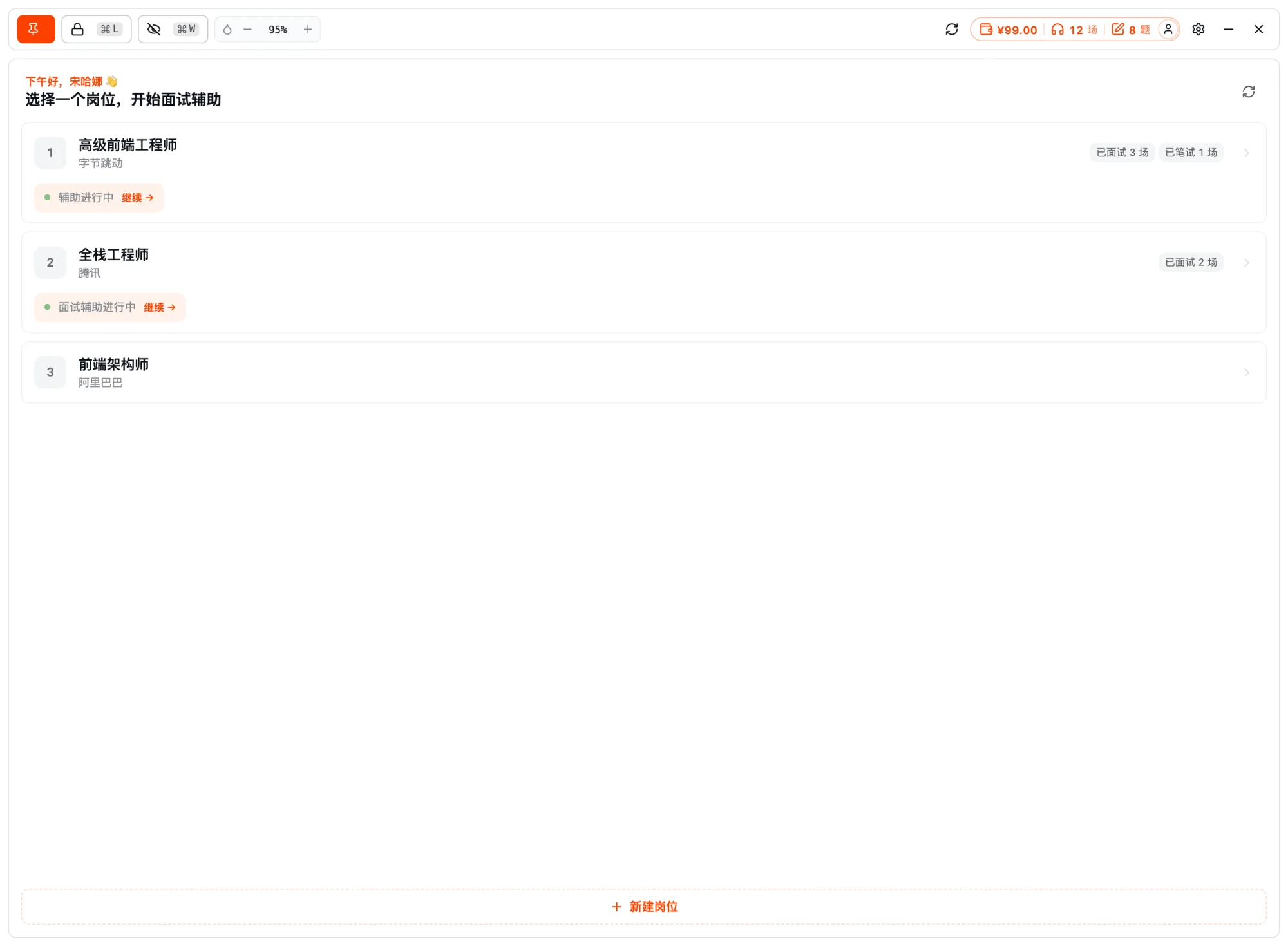
Before you start
Same as Interview Copilot: first download and install the desktop app, then open it, pick a target job, turn on "screen-share stealth" in settings, and adjust the floating window's position and transparency. For how screen-share stealth works and how to grant permissions, see Screen-Share Stealth and Permission Setup.
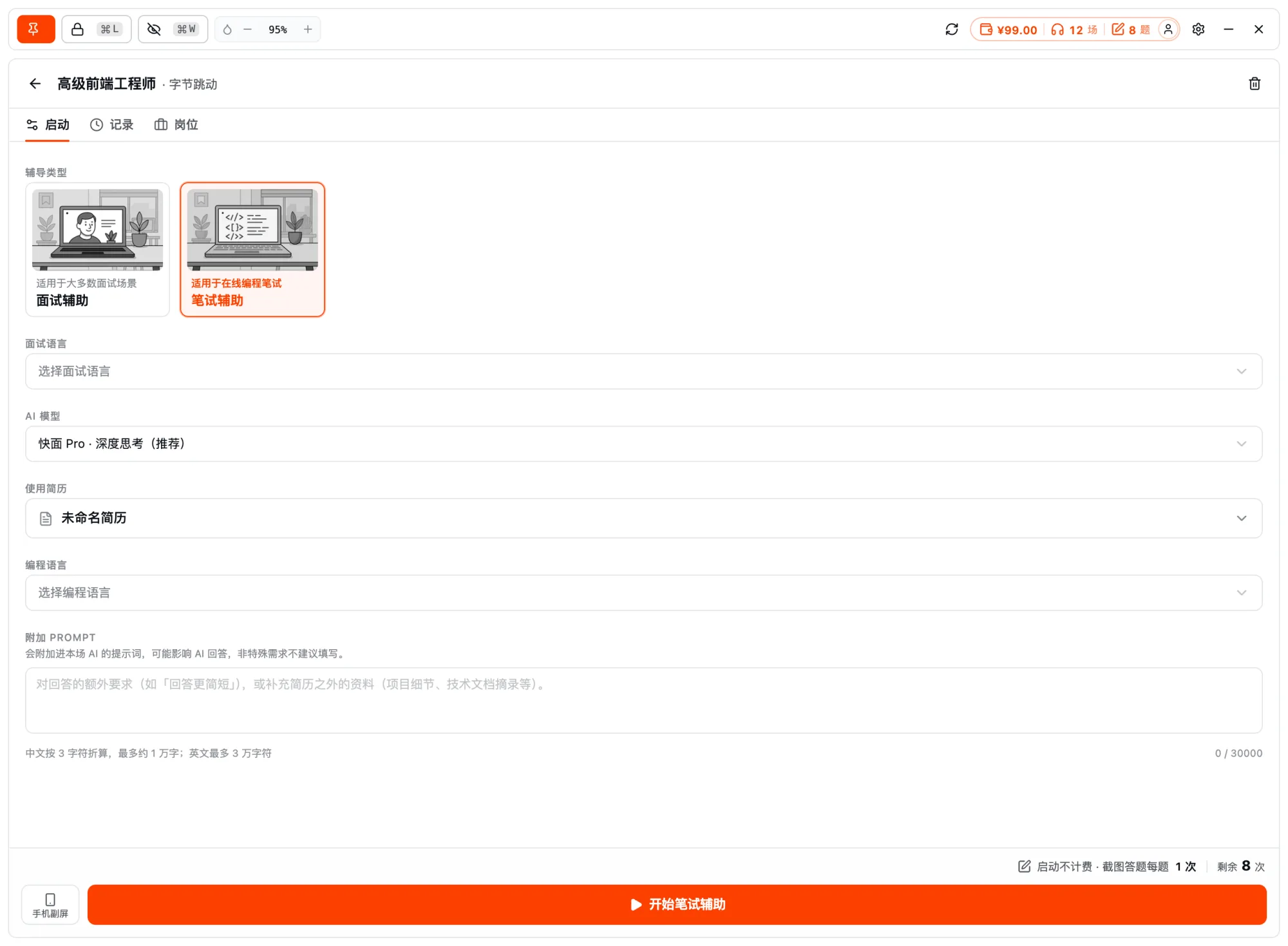
Step 1: ⌘E to screenshot the question
When you hit a question you can't solve, press ⌘E (the default; Ctrl+E on Windows, customizable in settings) to screenshot the current question:
- One-click screenshot: Captures a region or the full screen, stacking up to 3 shots, and you can also paste images directly.
- Server-side OCR: Recognizes the question text and sample input/output.
- Reads the constraints: Parses the data range and edge conditions as the basis for choosing an algorithm.
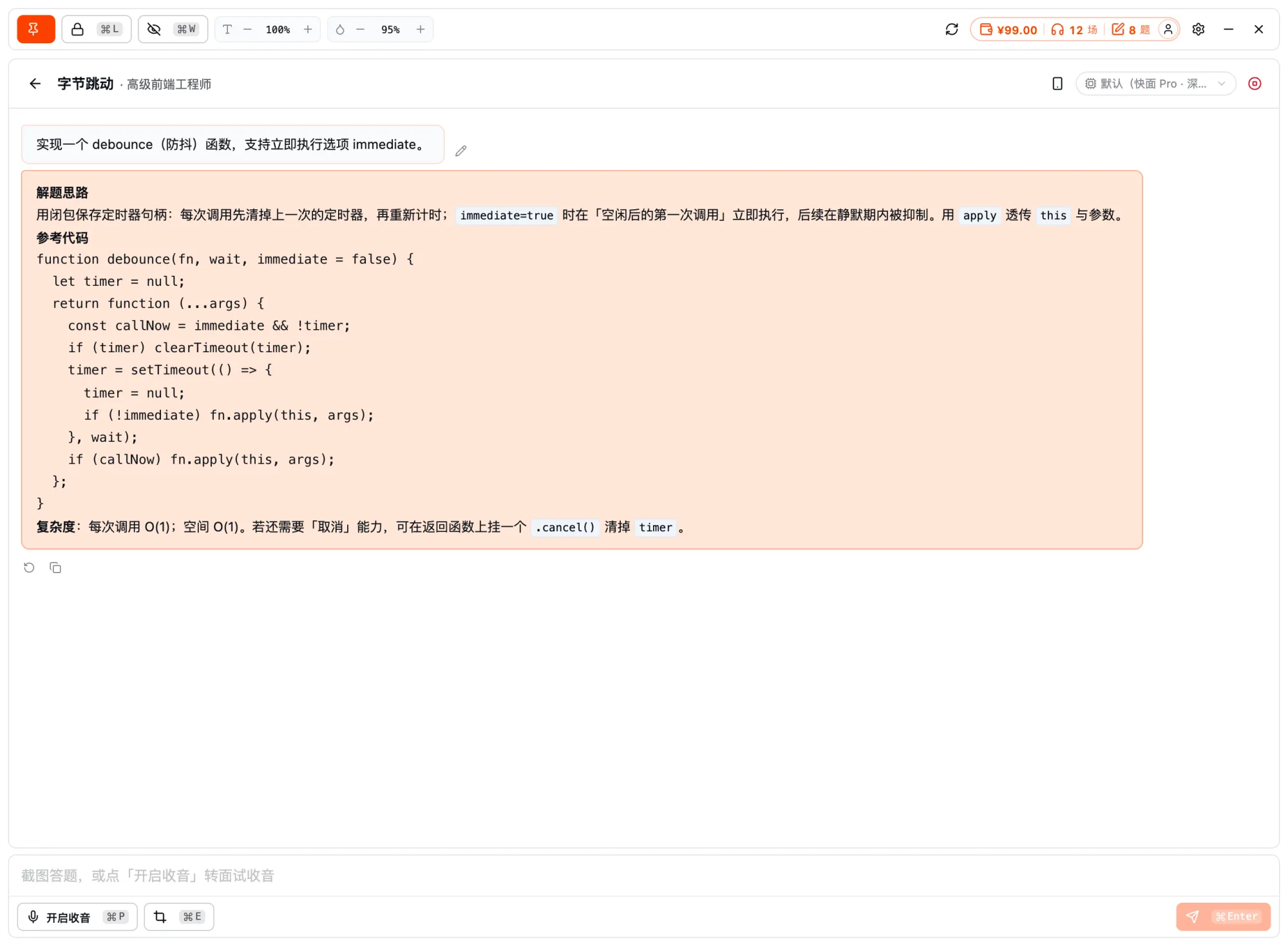
Step 2: Read the approach and code, and answer in parallel
The AI's output is organized "approach first, code second," so you understand rather than copy:
| Output | Content |
|---|---|
| Approach | Breaks down the question, points out key observations and algorithm choice |
| Reference code | A runnable implementation in your chosen language |
| Multi-language | Supports switching between common languages (e.g. Java / Python / C++ / Go, etc.) |
| Complexity | Notes time / space complexity to confirm it handles the data size |
| Explanation | Notes on the key steps, so you can transcribe after understanding |
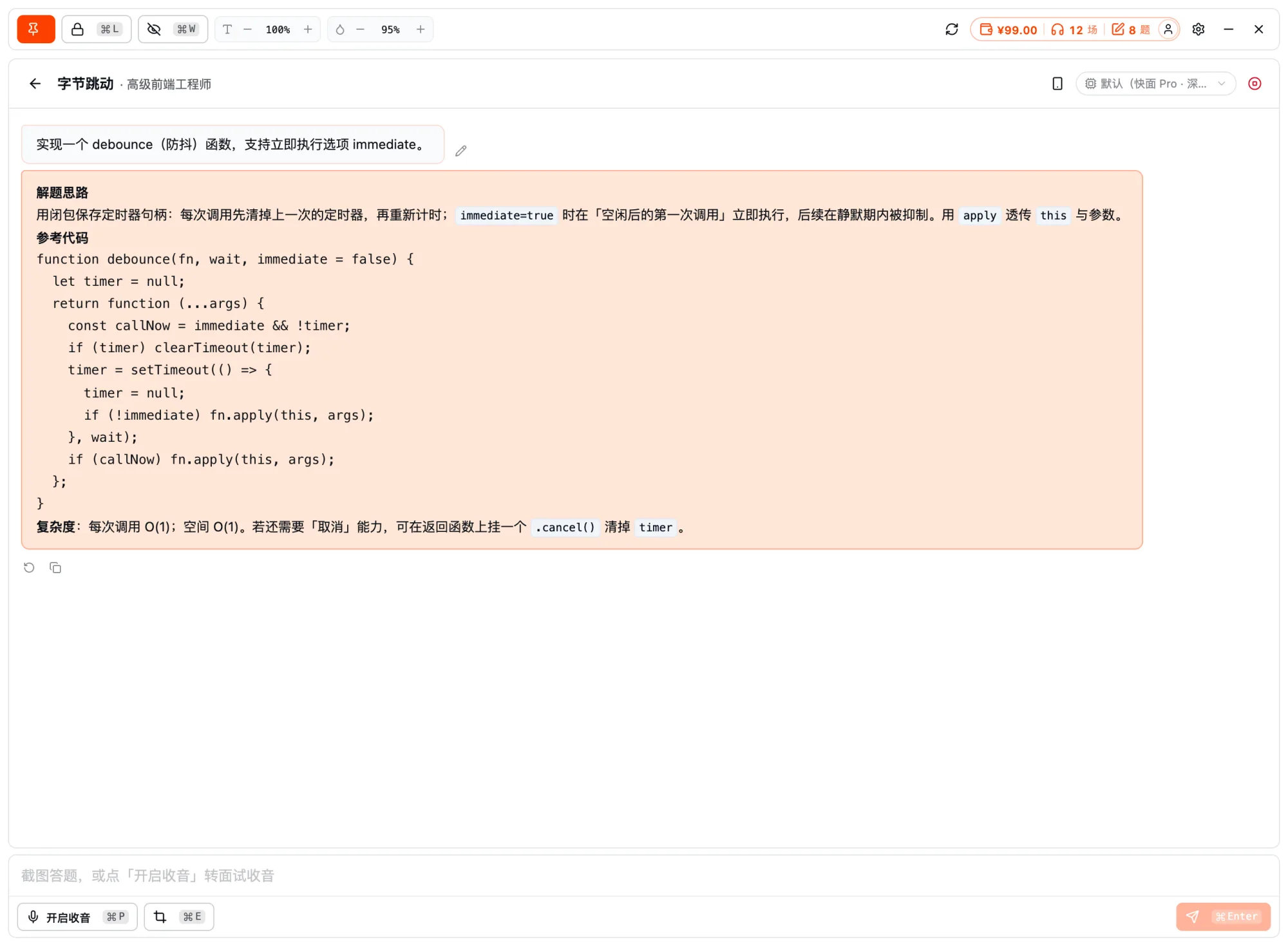
Once you understand the approach, transcribe the key implementation rather than copying mechanically — you'll both clear the question and genuinely grasp the solution.
Related docs
- Interview Copilot in Depth — real-time assistance for voice interview scenarios
- Screen-Share Stealth and Permission Setup
- Download and Install the Desktop App