Interview CopilotTutorial
How to Crack the Coding Questions You're Stuck On in Online Tests with Kuaimian
截屏、看思路与代码、对照作答——跟着这三步,难题也能稳过数据量。
Kuaimian Team··1 min read
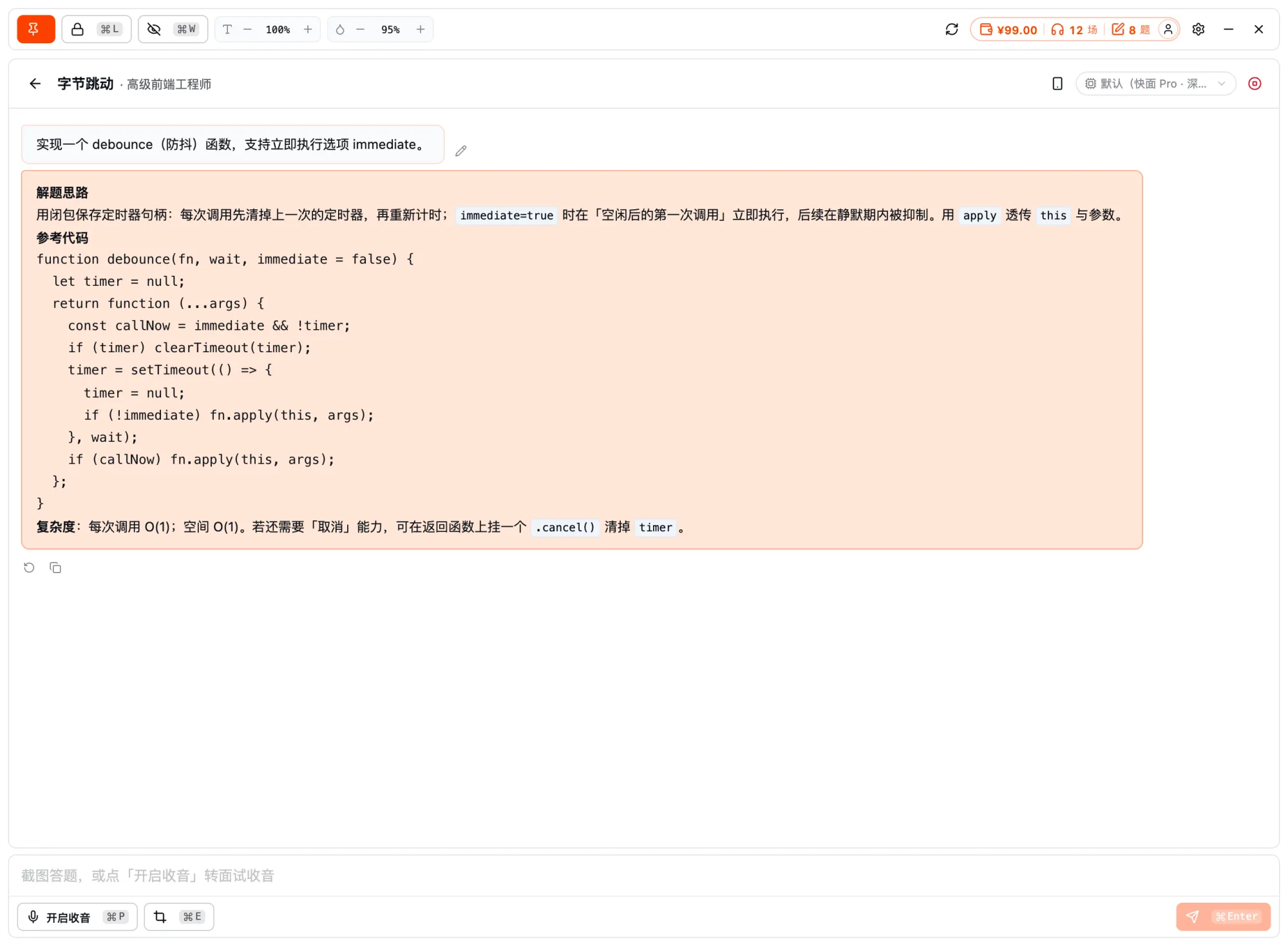
Staring at an algorithm question you can't solve in an online test is the biggest time sink. Kuaimian Coding Copilot lets you screenshot a question and get the approach, reference code, and complexity at once.
Step-by-step
1
打开客户端,选目标岗位
笔试开始前打开桌面客户端、选目标岗位;先到设置开启「共享隐身」,确保共享 / 录屏拍不到辅助窗口。
- Pick a target role
- 开启共享隐身
- 调好窗口位置与透明度
笔试辅助 · 选岗开始
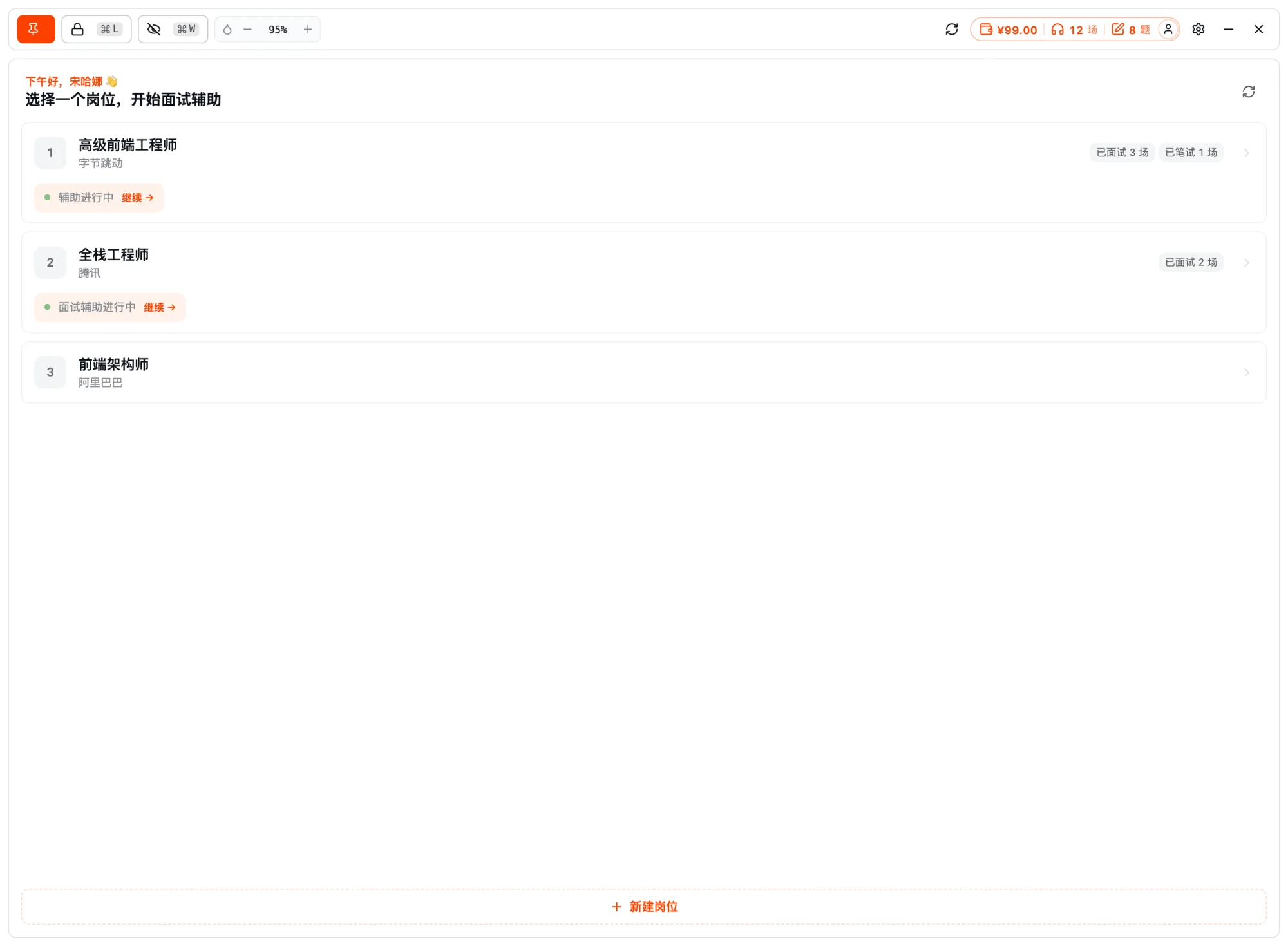
开启共享隐身Pick a target role
2
遇到难题,⌘E 截屏题目
碰到不会的题,按 ⌘E 截屏当前题目(可框选 / 全屏,最多 3 张,也支持粘贴图片),AI 自动 OCR 题面、读懂输入输出与约束,开始拆解。
- ⌘E 一键截屏
- 自动 OCR 题面
- 读懂约束与数据范围
Coding-test assist · Screenshot to solve
Question screenshot
3
看思路与代码,对照作答
AI 先讲解题思路,再给对应语言的参考代码并标注复杂度。理解思路后誊写关键实现,稳过数据量。
- 先思路后代码
- 多语言参考代码 + 复杂度
- 理解后誊写,不是照抄
Coding-test assist · Approach / code / complexity
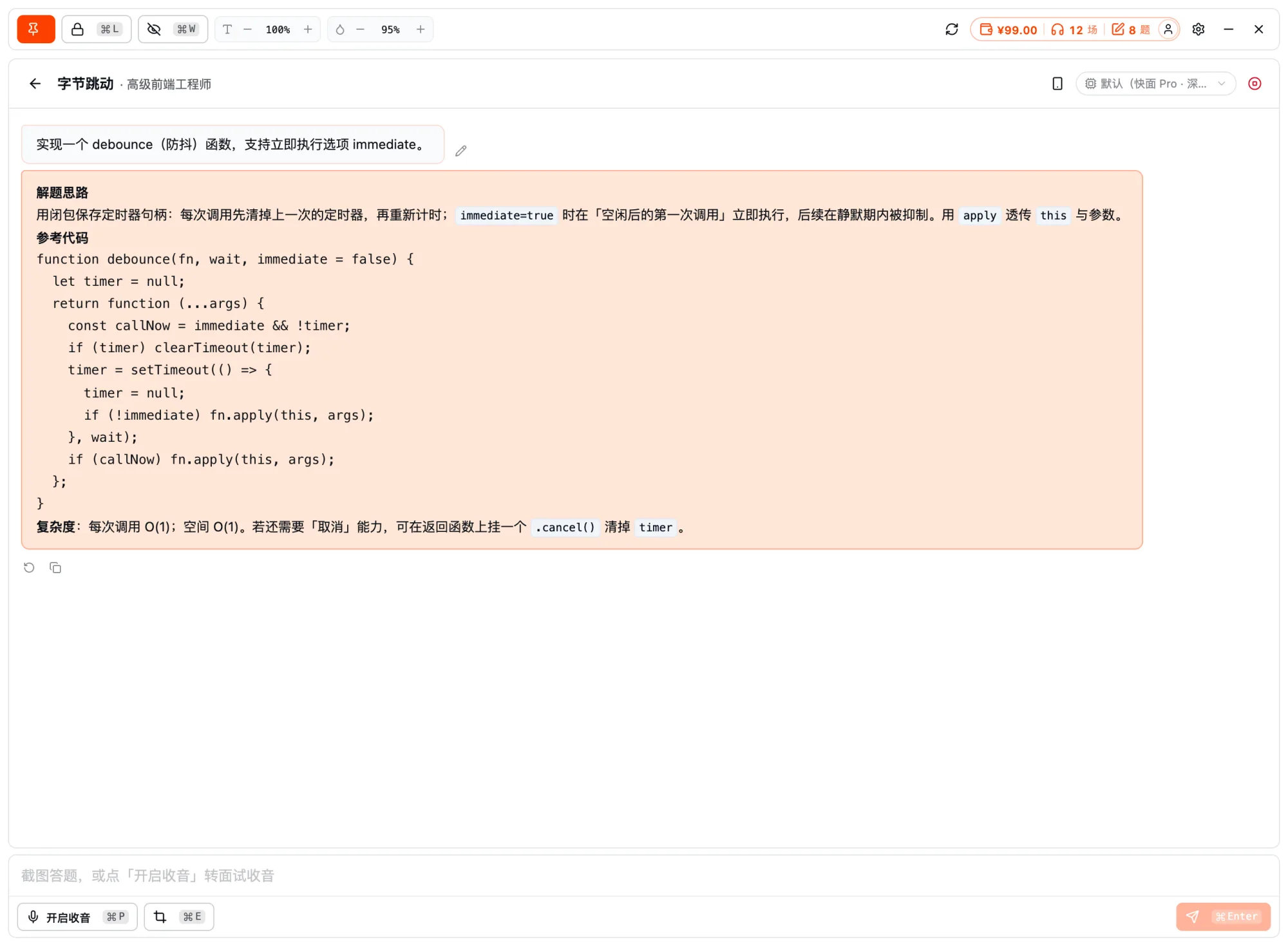
Solution approachReference code
先讲思路再上代码、标注复杂度——帮你解题,也让你知其所以然。
FAQ · Frequently asked questions
FAQ
Have other questions? Email us at hello@kuaimianai.com
How does it recognize coding questions?
Just screenshot the current problem — the AI OCRs the statement and understands the inputs, outputs, and constraints, no manual transcription needed.
Which programming languages are supported?
JS / TS / Python / Java / C++ / Go / Rust and 7+ more — pick your exam language for reference code, annotated with time / space complexity.
Is the problem text uploaded anywhere?
Recognition happens locally; the original problem text is never sent out.
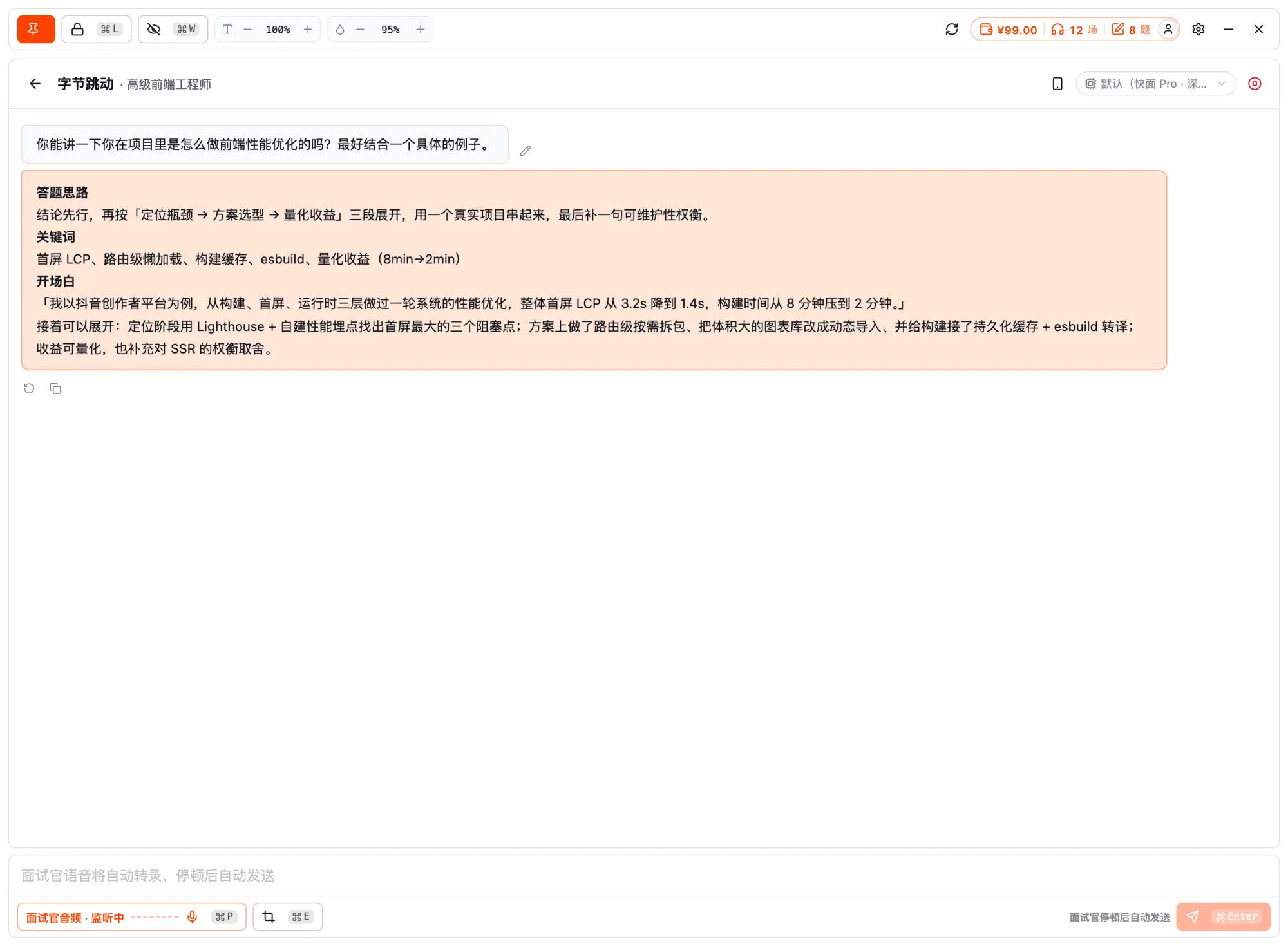
Ready?
For your next interview, use Kuaimian
Start free: try resume optimization and mock interviews to get a feel for how the AI responds, then decide whether to top up on interview assistance.